User guide
Welcome to the Kubus guide. Each page here covers one part of the app, with screenshots and step-by-step instructions. You don't have to read it in order. Jump to whatever you're trying to do.
Browse, inspect, act
The whole app in three moves:
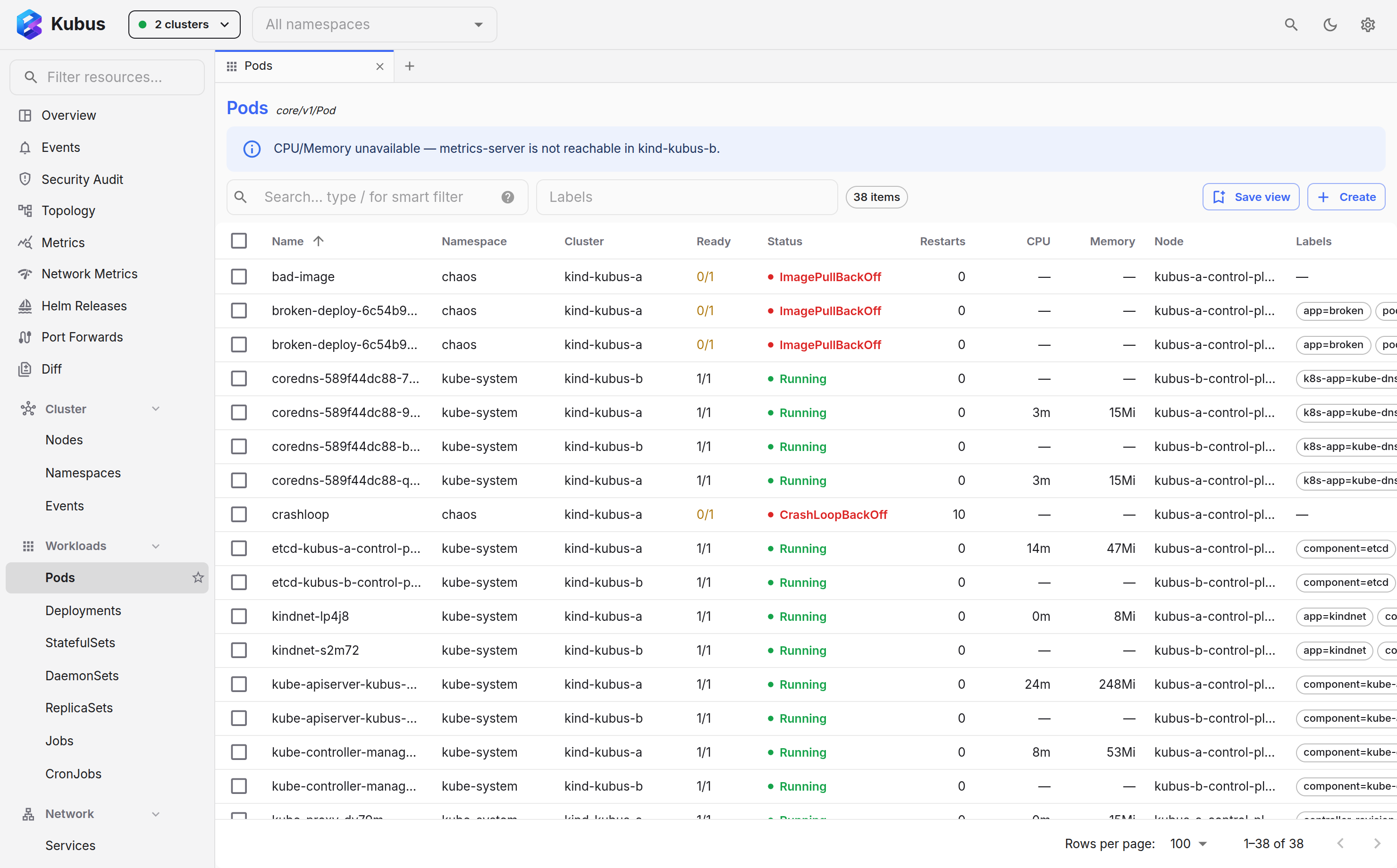
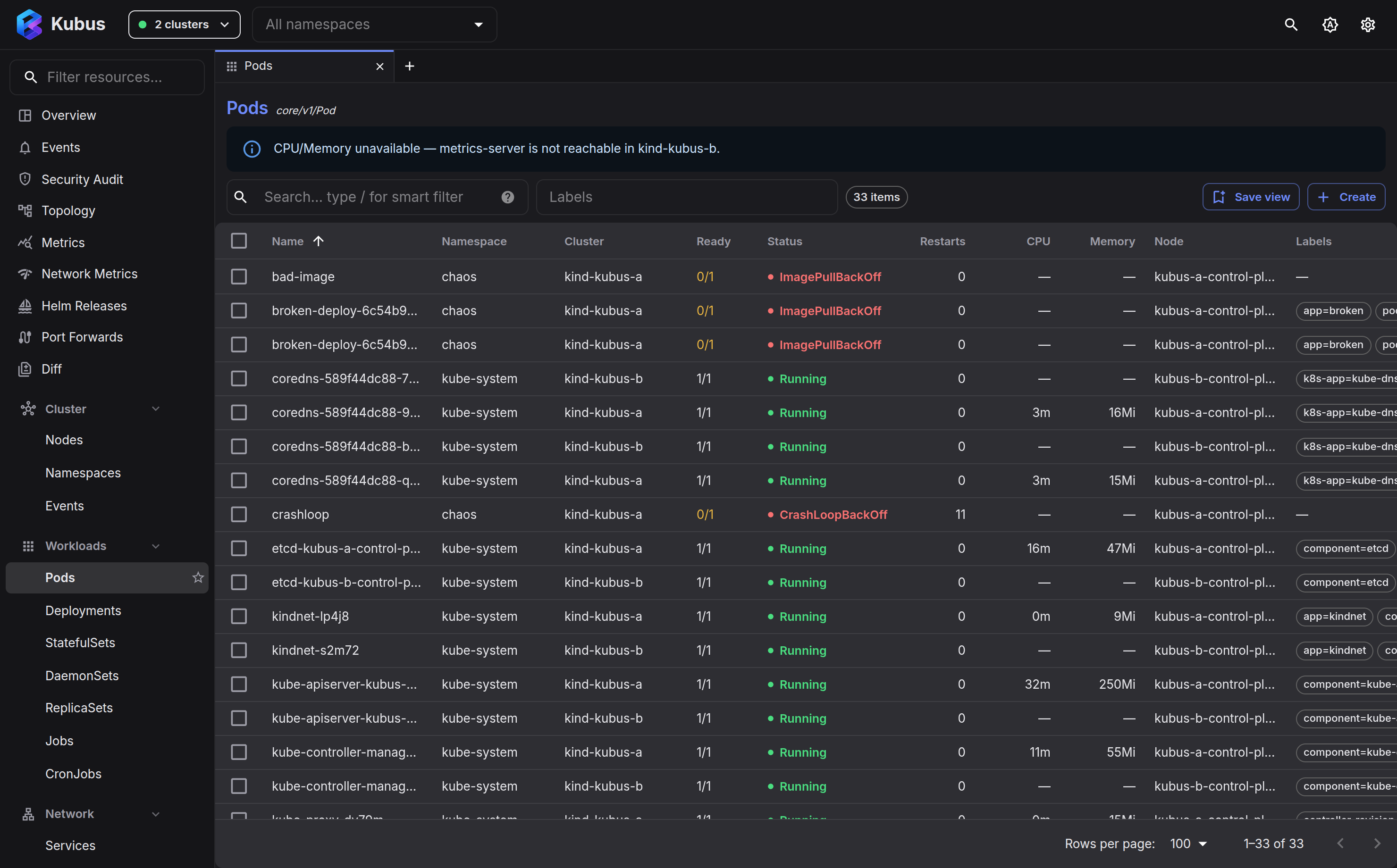
Pick your clusters, pick a kind, and you get a live list that updates over a
WebSocket watch, with no refresh button to press. CRDs show their own
additionalPrinterColumns.
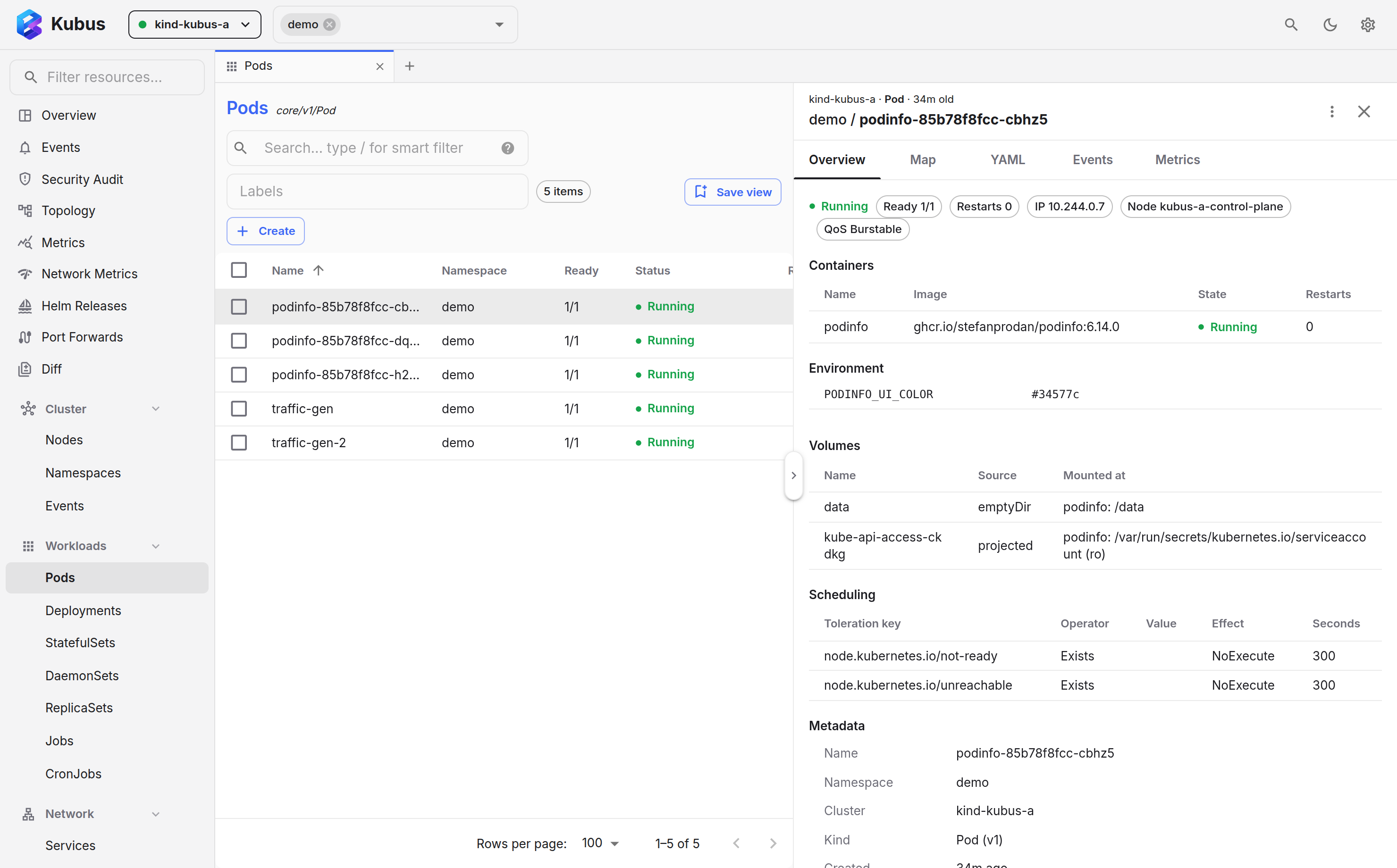
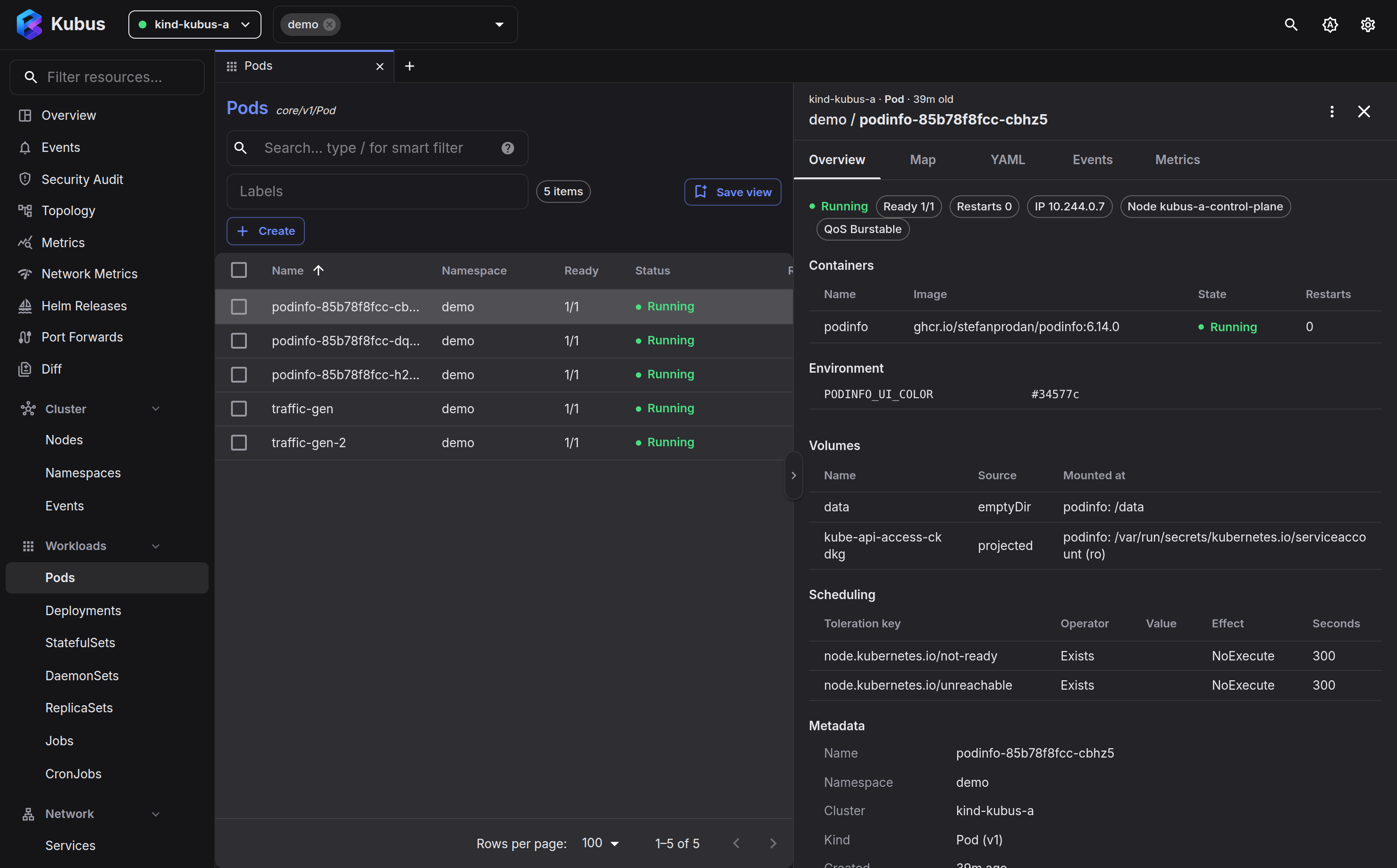
Click any resource to slide open a details drawer with a human overview, a Monaco-powered YAML editor, events, a relationship map and (for pods/nodes) metrics.
Scale, restart, roll back, trigger a CronJob, cordon or drain a node, open a shell, forward a port. Each action is available from a row menu, the detail drawer or the command palette.
Start here
-
The Kubus window
A tour of the top bar, nav drawer, content area and bottom dock.
-
Connecting clusters
Select contexts, filter namespaces, and work across many clusters at once.
Browse & inspect
- Overview dashboard gives you cluster health at a glance.
- Browsing resources covers lists, columns, CRDs and saved views.
- Resource details & YAML covers the drawer and the editor.
- Metrics & health charts CPU and memory history.
- Events is a live, deduplicated timeline.
- Topology shows how resources relate.
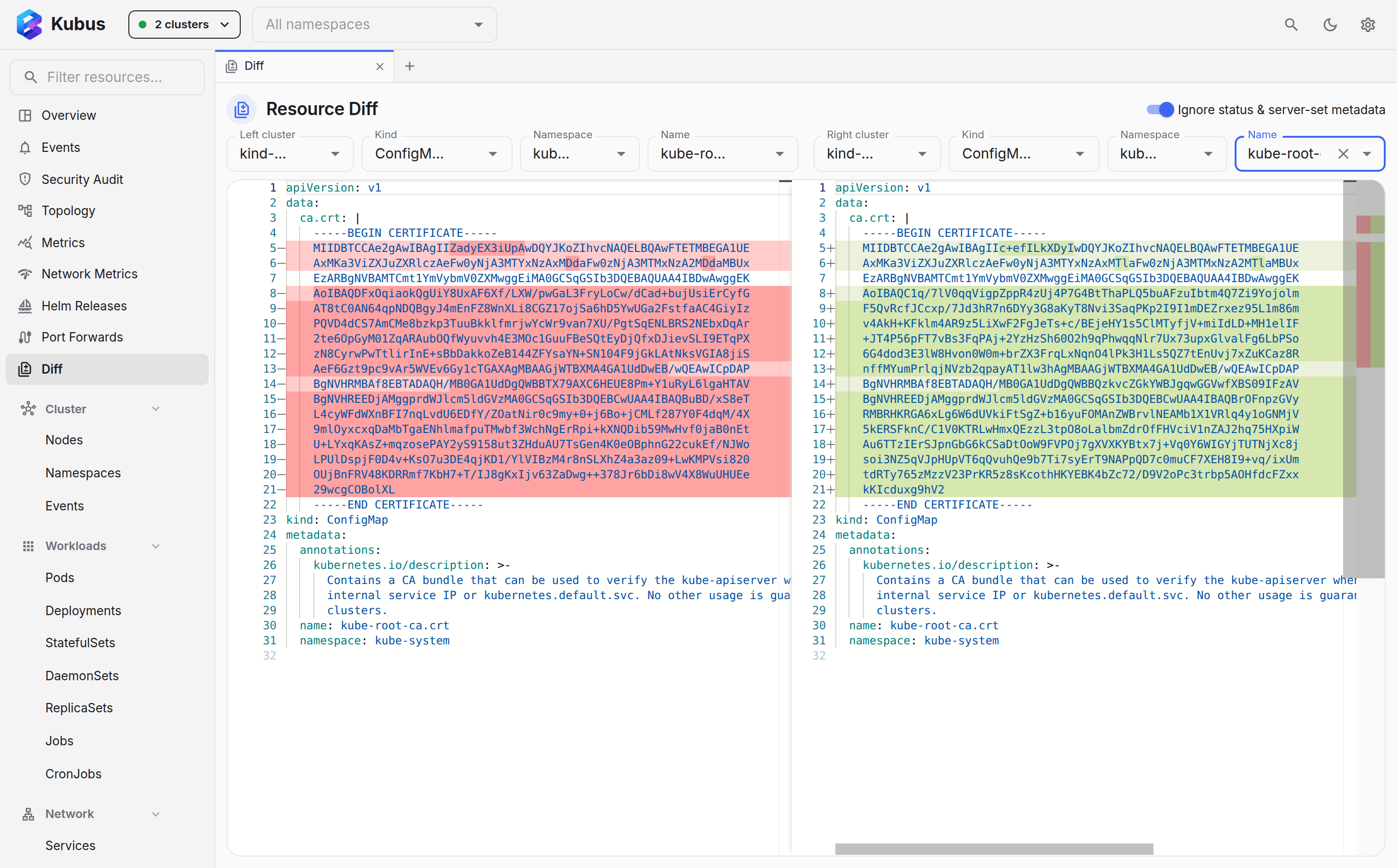
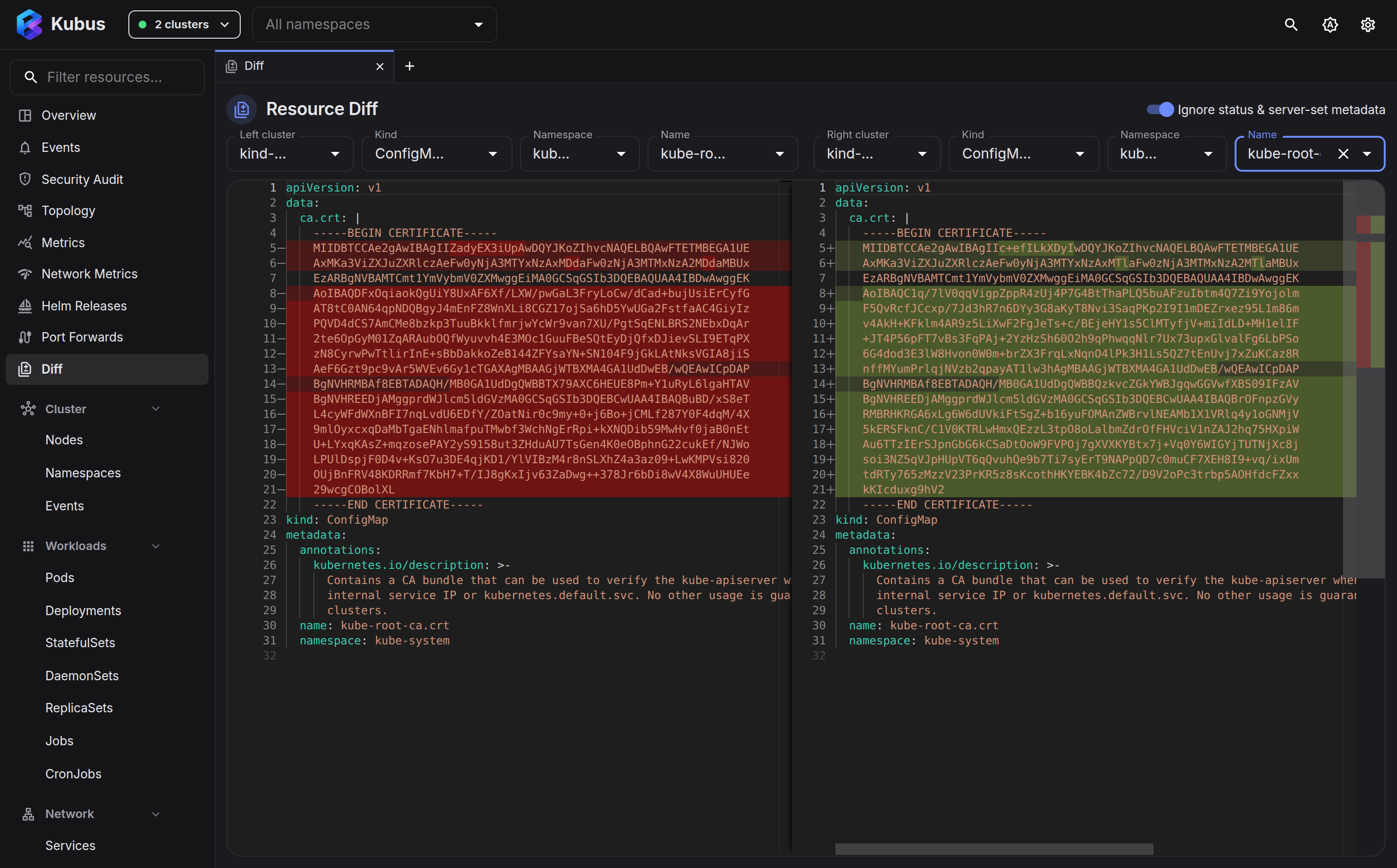
- Comparing resources diffs two YAML documents side by side.
Operate
- Quick actions covers scale, restart, roll back, cordon and drain.
- Logs explains the aggregated, colour-coded, filterable log view.
- Shell, debug & node shell opens terminals into containers and nodes.
- Port forwarding lets you reach any pod or service.
- Copying files covers upload and download, like
kubectl cp. - Helm releases covers values, history, rollback and uninstall.
Power tools
- Command palette puts everything behind Ctrl+K.
- Production guard & secrets adds guard rails for risky clusters.
- Settings covers appearance, refresh, logs and terminal.