Events
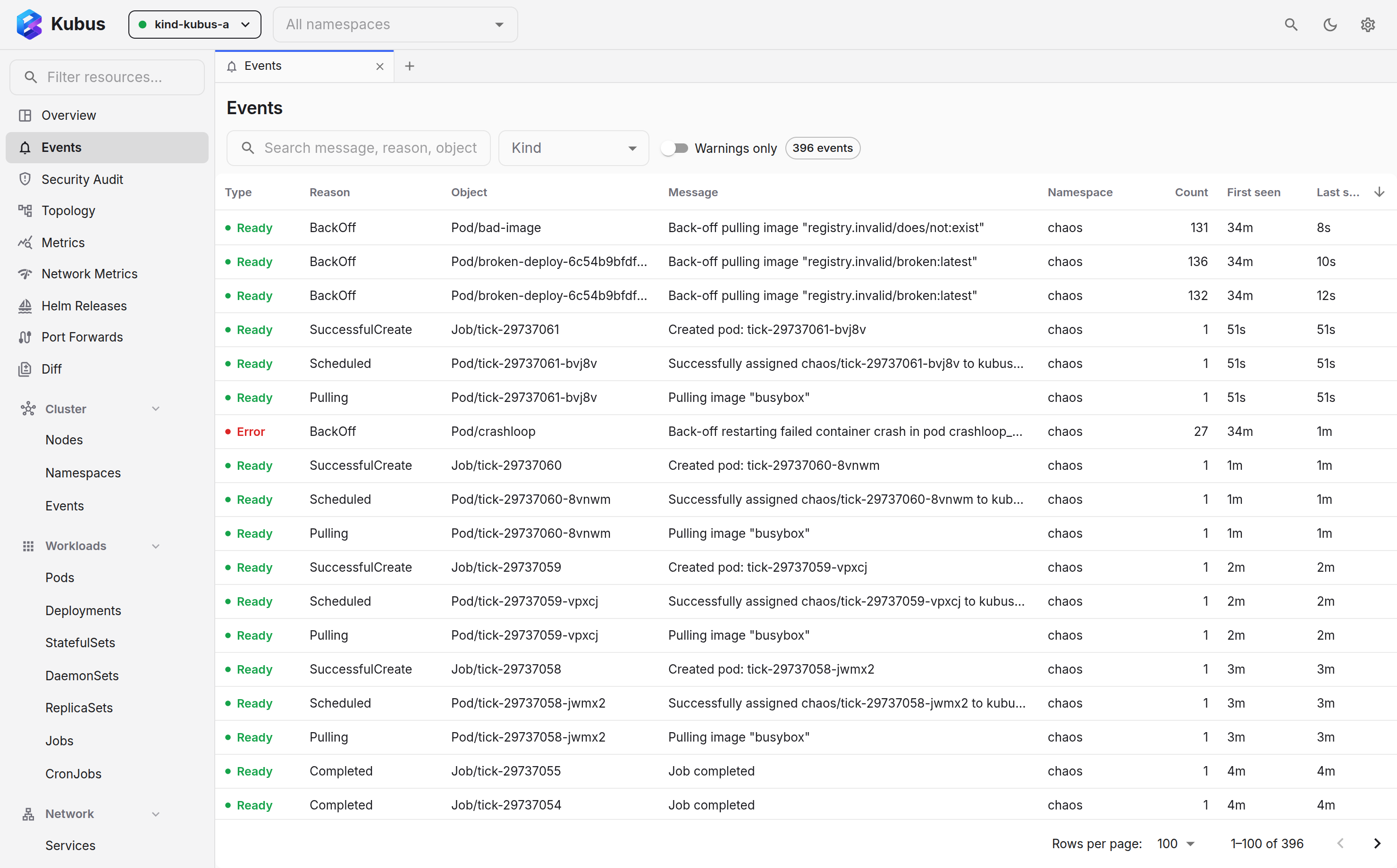
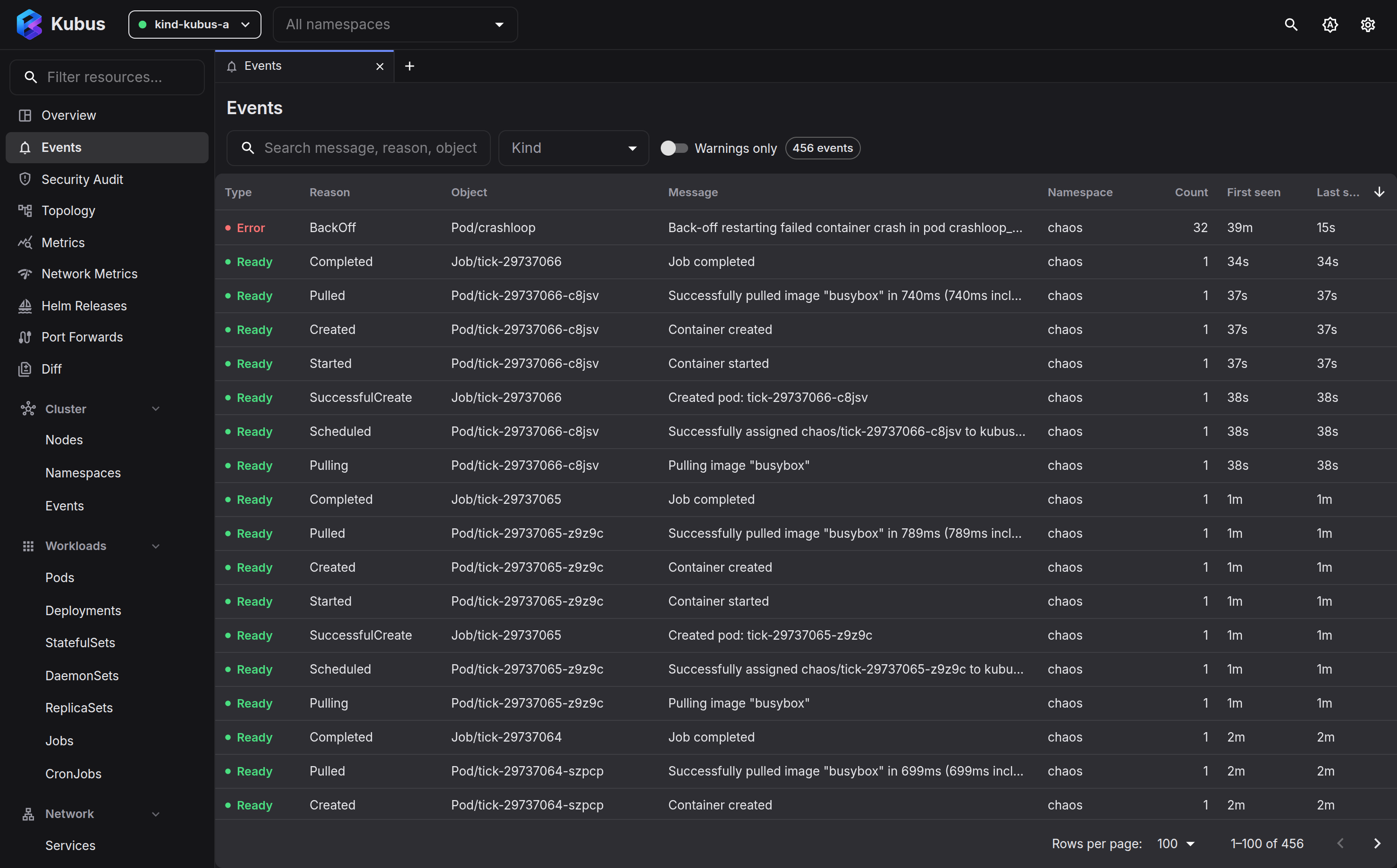
The Events page shows what Kubernetes is telling you about your clusters: scheduling decisions, image pulls, probe failures, evictions. It opens with one row per object, so a pod stuck in a crash loop is one line and not hundreds. Switch to Warnings to see only what is wrong right now, or to the Flat event log for every event, newest first.
What you get
- Live: events stream in as they happen.
- Grouped by object: each object gets one row with its latest event (reason and
message; the latest warning when it has any), the event count, its activity over the
last hour and when it was last seen.
The object's other events are summarised underneath, for example
Also: BackOff ×1.5k. - Deduplicated: repeated events (same object, reason and message) collapse into one entry with a count, instead of flooding the list.
- Cross-cluster: the cluster shows under the object name, or as a column in the flat log, when you've selected more than one.
The last-hour bars are an estimate. Kubernetes only records when an event first and last happened plus a count, so Kubus spreads each count evenly over that span.
Filtering
| Filter | Use it to… |
|---|---|
| Warnings / All | All (the default) shows every event; Warnings keeps only the warnings. |
| View | Switch between Group by object (the default) and the Flat event log, one row per event with type, reason, object, message, namespace, count, first and last seen. |
| Kind | Focus on one object kind (Pods, Nodes…). |
| Text search | Match on reason or message. |
| Namespace | The top-bar namespace filter applies here too. |
Kubus remembers your Warnings / All and View choices for the next time you open the page. In both views, hover a cell for its copy button, or press Ctrl+C on a focused cell.
Jump to the object
Click an object name (or anywhere in its row) and Kubus opens its details drawer, so you go straight from "something's wrong" to the thing that's wrong.
From the Overview
The Warnings (last hour) panel on the Overview is a shortcut into this page, pre-filtered to recent warnings.
See also
- Overview dashboard has the warnings rollup.
- Logs is the next stop once an event points you at a pod.