Port forwarding
Reach a pod or service on your laptop as if it were local, with no kubectl port-forward
window to babysit. Kubus manages forwards centrally and shows them all on one page.
Starting a forward
- Pod or Service ⋮ menu → Port forward…, or press F on a focused row.
- On the Port Forwards page, Start a forward… opens a searchable list of Services and running Pods with their declared ports. Pick one and finish in the same dialog.
In the dialog:
- Remote port: defaults to the resource's first port (or
80). - Local port: leave blank to have one auto-assigned, or pin a specific one.
For a Service, Kubus resolves the service port to the backing pod's targetPort, just
like kubectl does, so you forward to the port that actually serves traffic.
Managing forwards
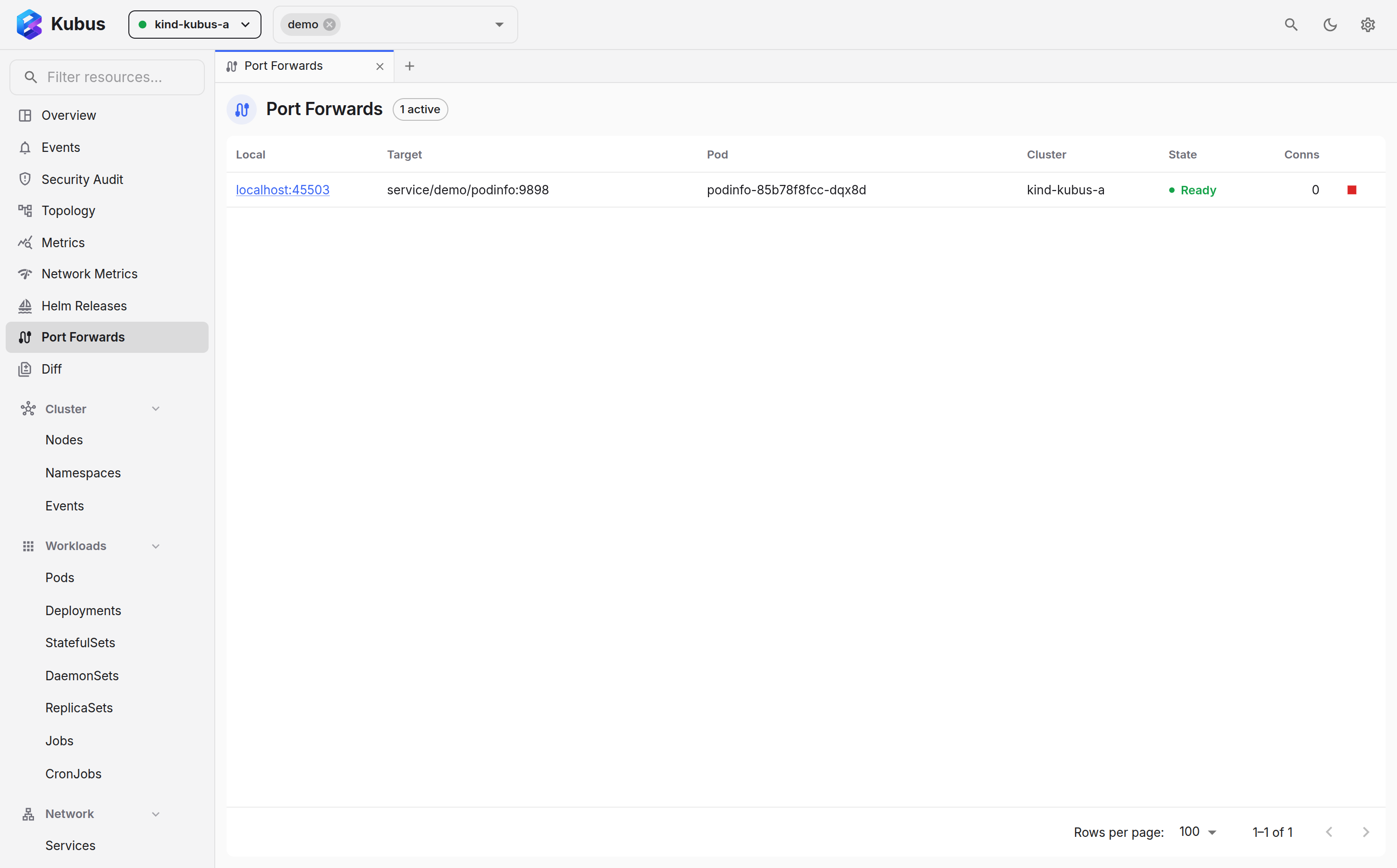
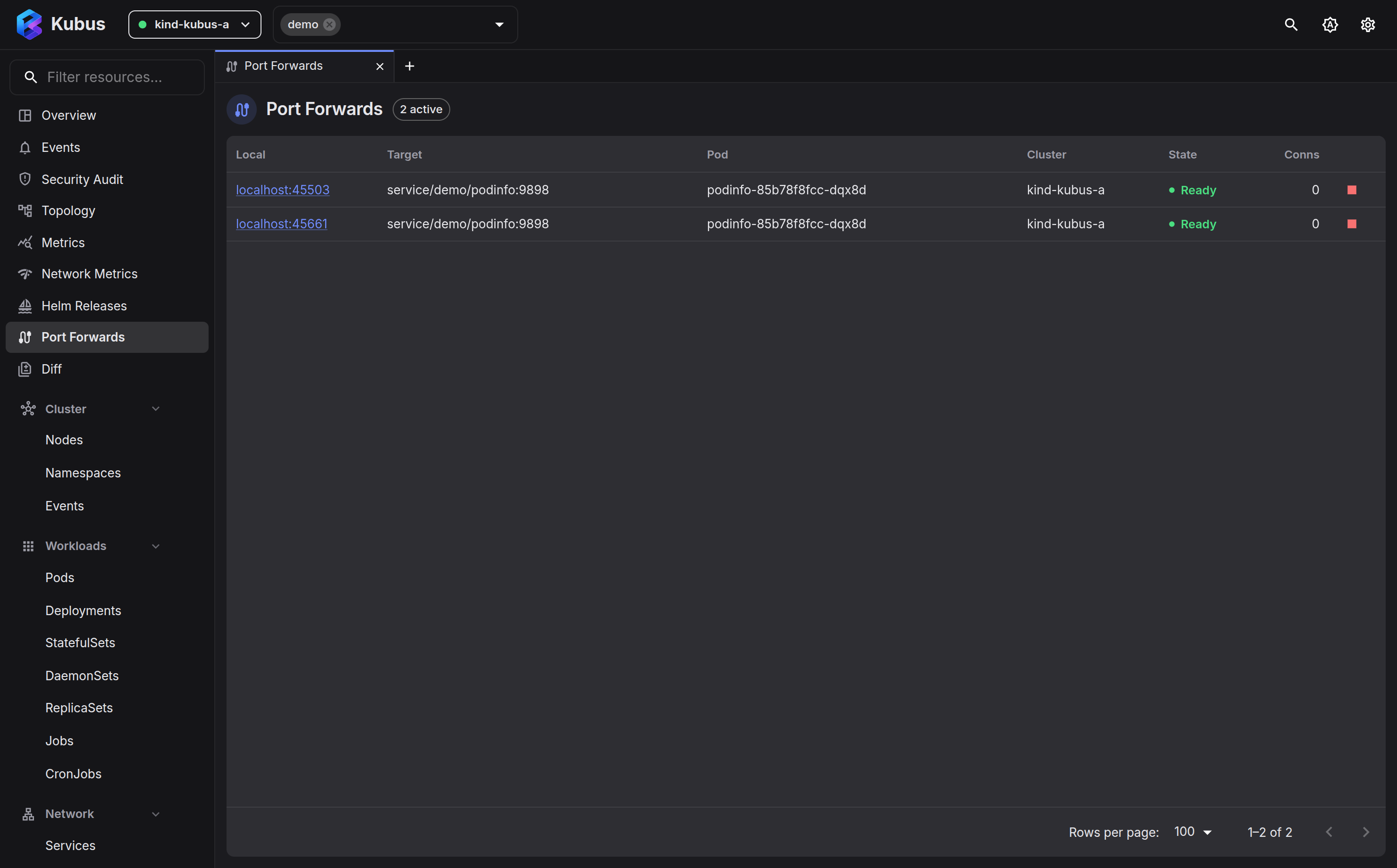
The Port Forwards page (in the nav, or Ctrl+K → Go to Port Forwards) lists every active forward with its:
- Local address as a clickable
http://localhost:<port>link, - Target and Pod,
- Cluster,
- State (active / error) and connection count,
- a Stop button.
Forwards live with the server
A forward stays up as long as the Kubus server process is running. Closing the browser tab doesn't drop it. Stop it explicitly from the Port Forwards page.
See also
- Copying files gets files in and out of a pod.
- Shell & debug gives you a terminal into the container instead.